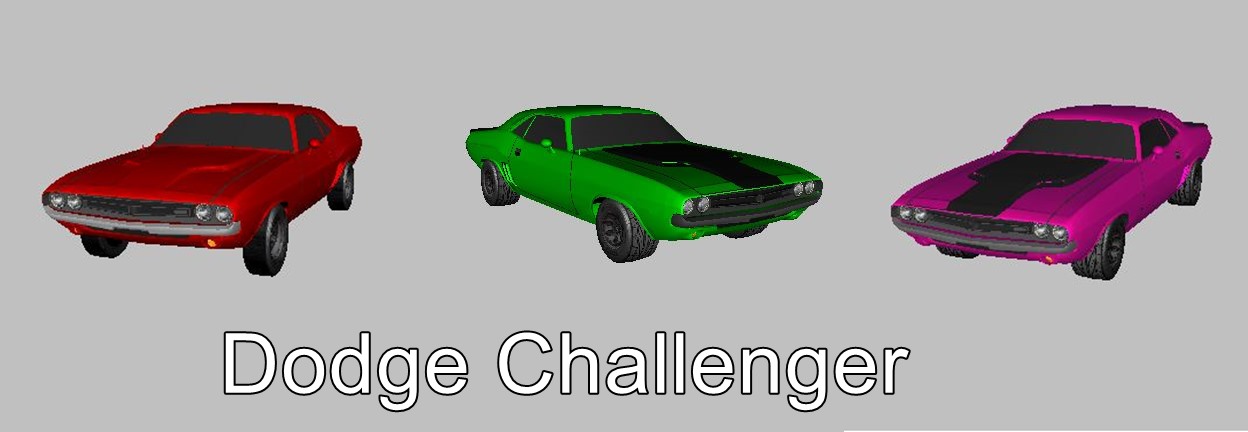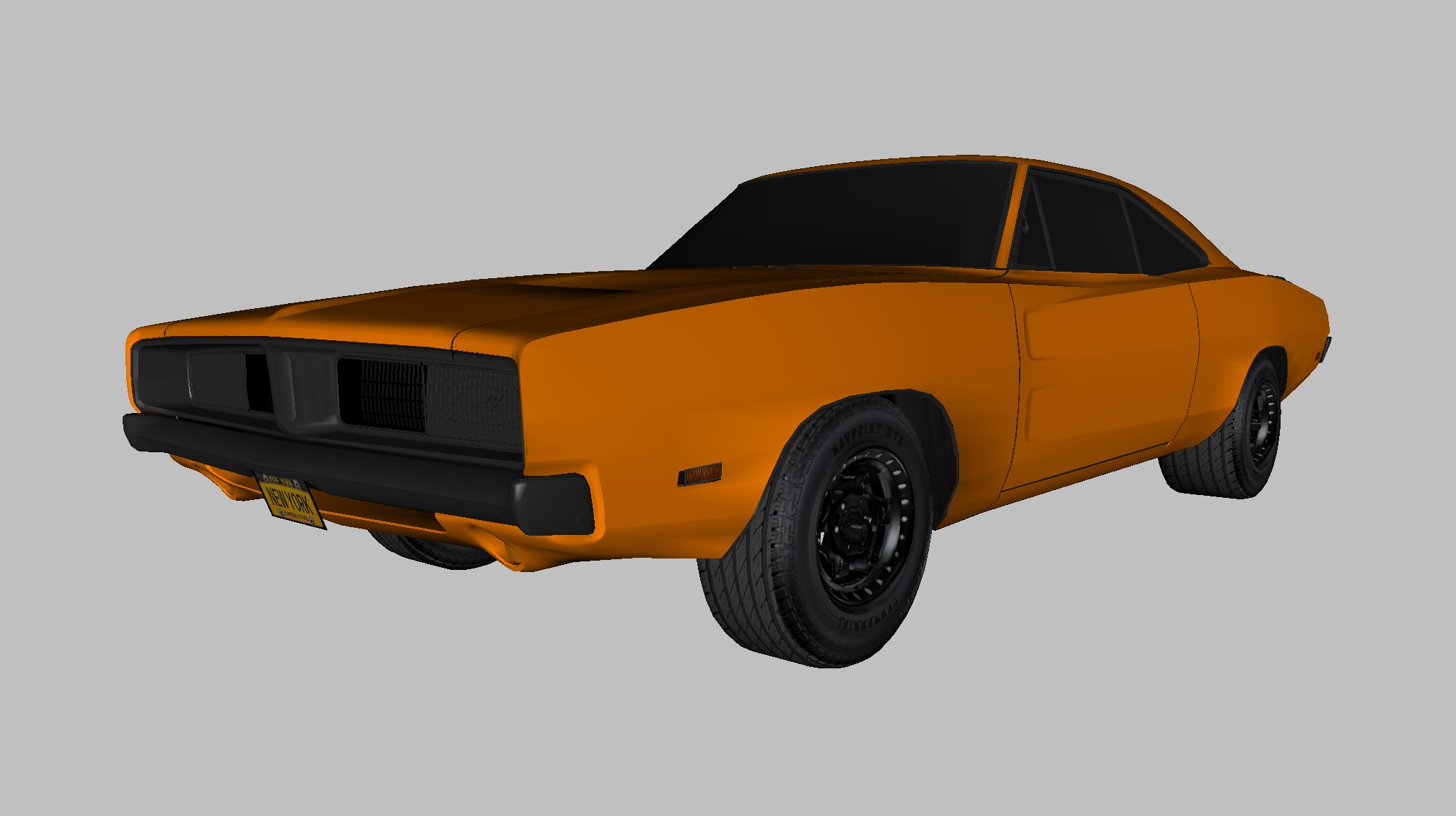


Rad Sandbox: Showing how to swap out Skinmeshes and RigidBodies in Rad, Rad Sandbox and RS.
In simple terms, RigidBodies make up the hard objects, the things you come in contact with that effect your player/car etc. Skinmeshes make up the way you see them. The skins we dress them with. This video will show you how you can swap them out in your own projects or in existing projects. This matters because this allows you to change a car into a truck, a gun into a knife, or one landscape into another.
RS, Rad Sandbox and 3D Rad are built on the same kernel and, so for the most part they work the same as far as Skinmeshes and Rigidbodies go. The directories and the interfaces you use to load the different RigidBodies and Skinmeshes are very close, so, this will work for any of the three and anything else that is built from the original seed. Enjoy, Dell…
RS, Rad Sandbox, 3D Rad, Game Making, Dell Sweet, 3D Modeling, #RadSandbox #RS #3drad #DellSweet #gamemaking #3dmodeling